

Home / Computers / Computer Peripherals / Printers & Inks / Printers / Multi Function Printers / Samsung Multi Function Printers
/
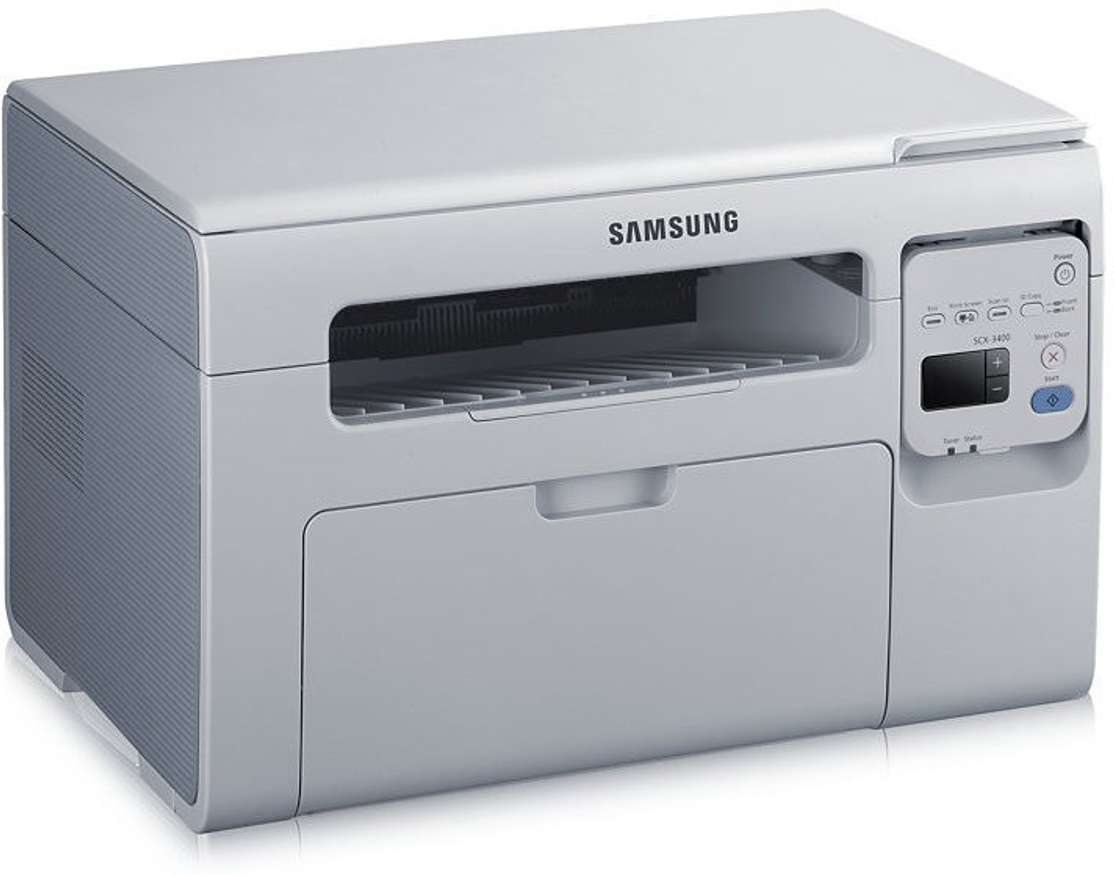
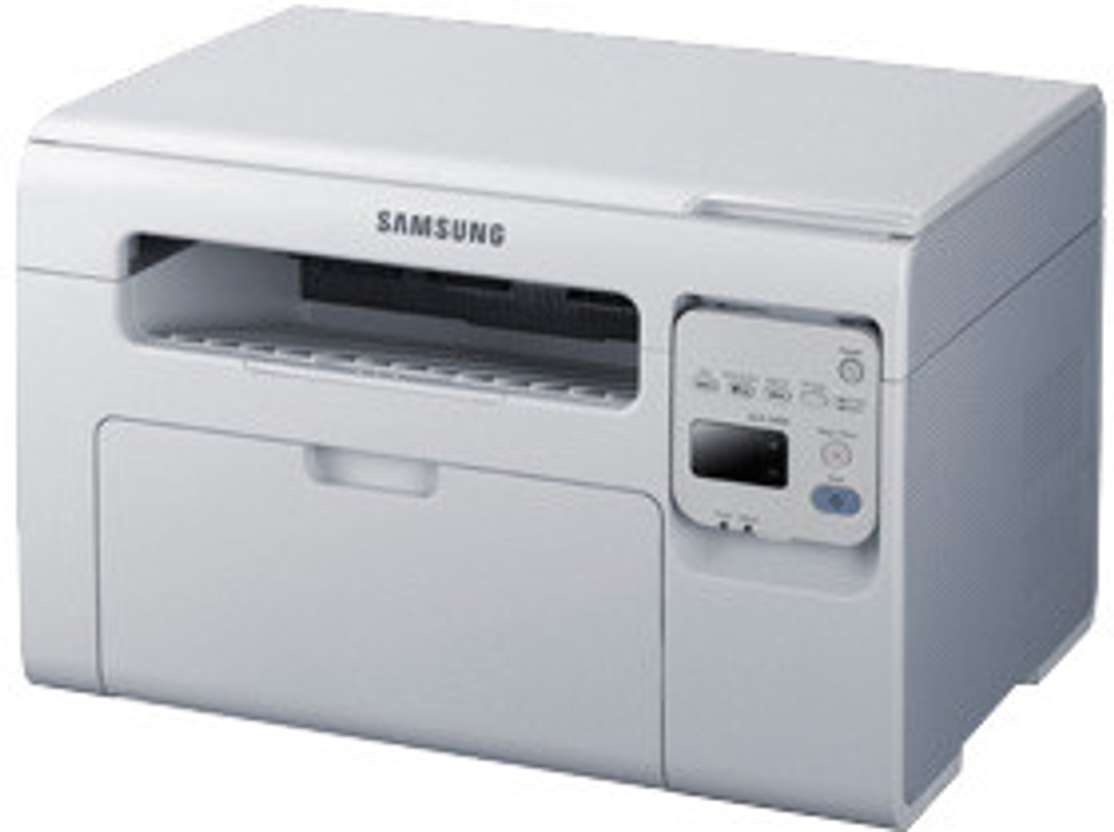
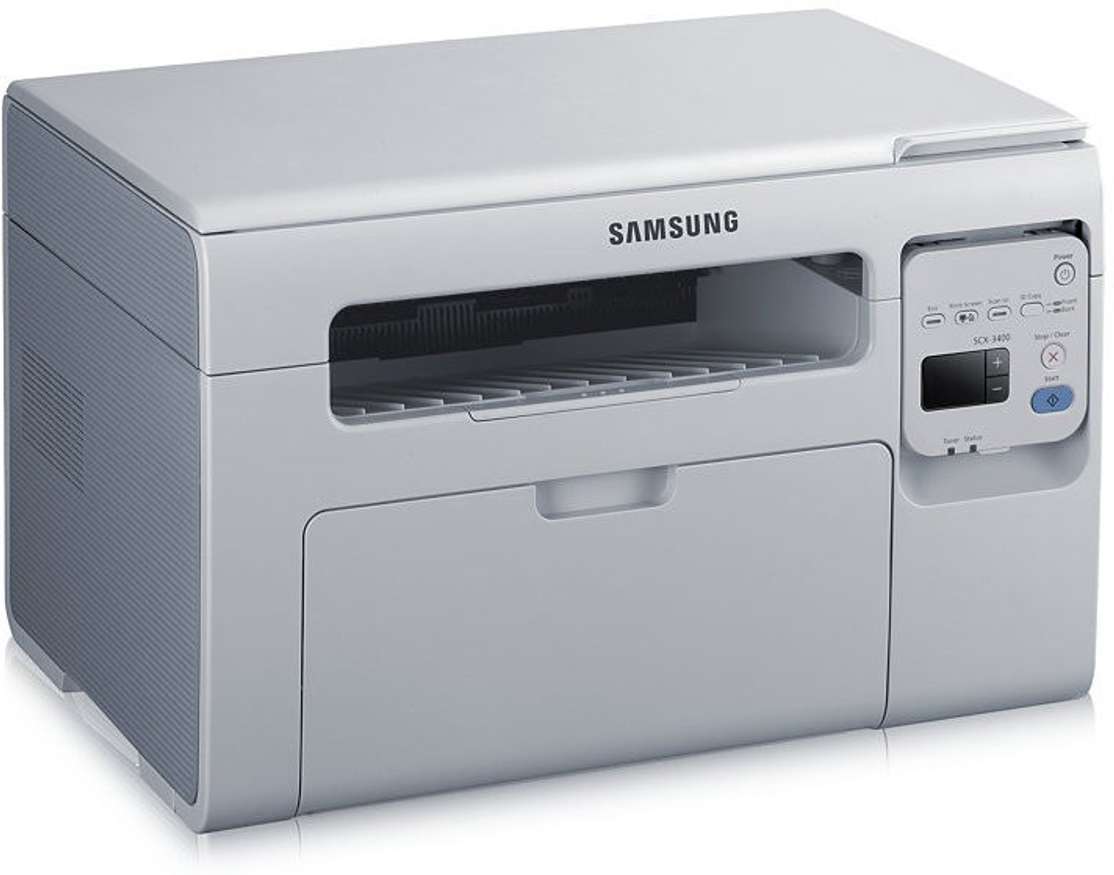
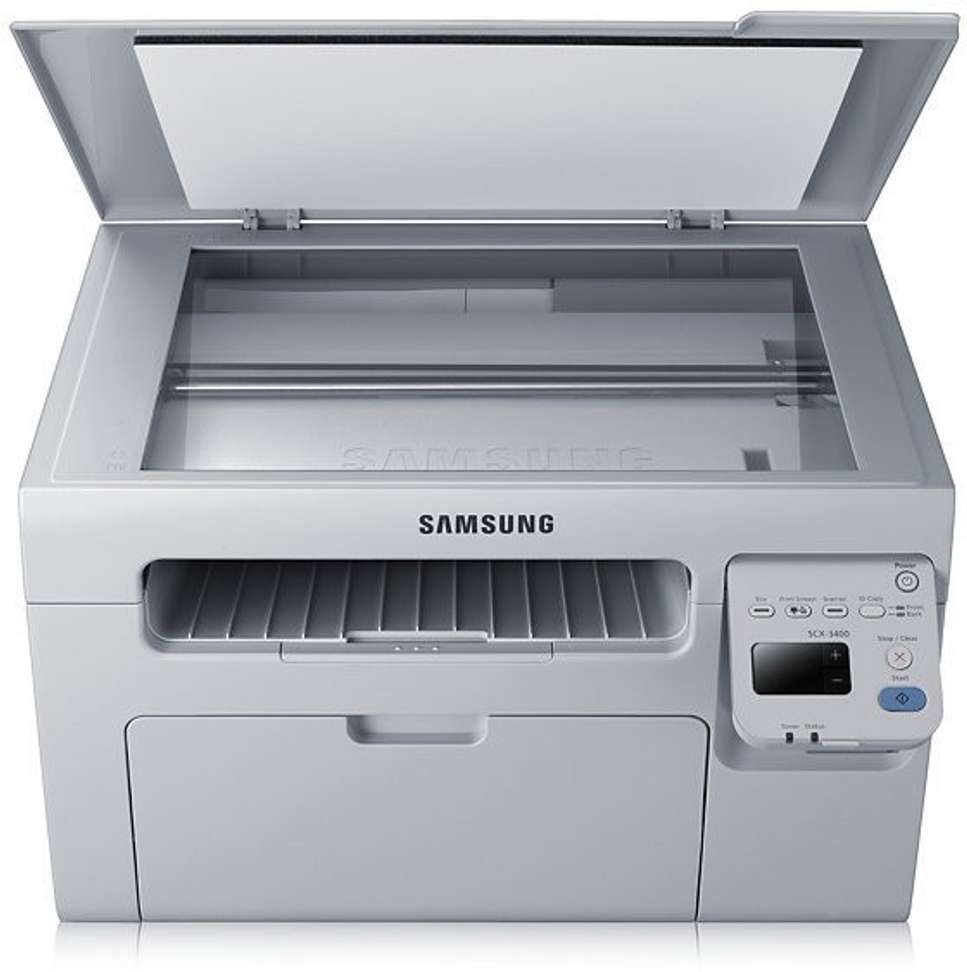
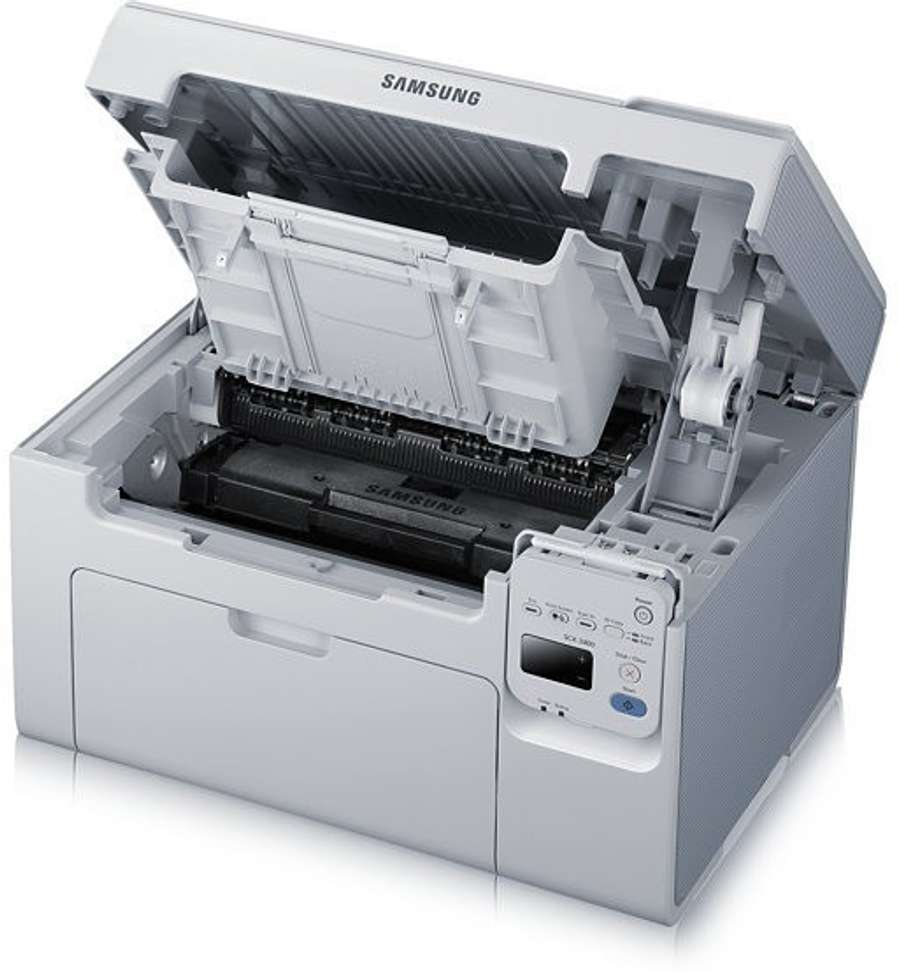
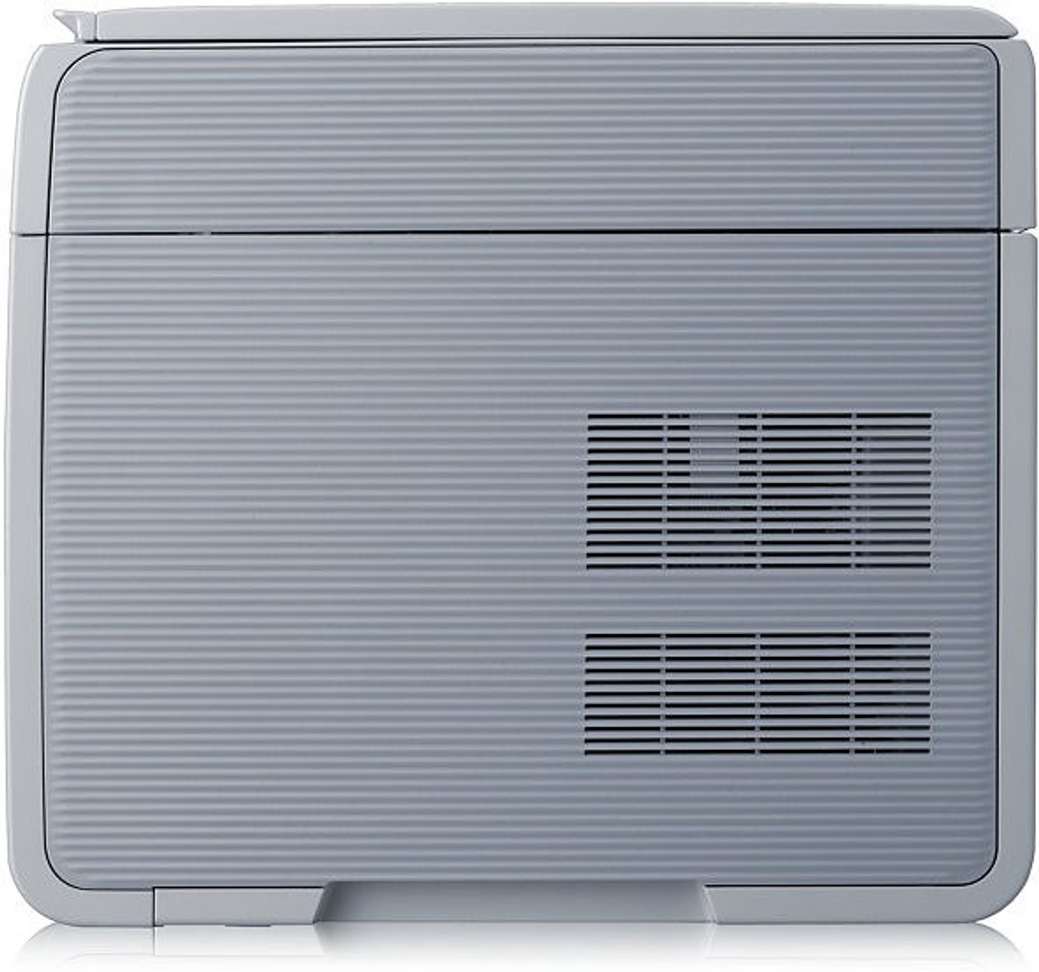
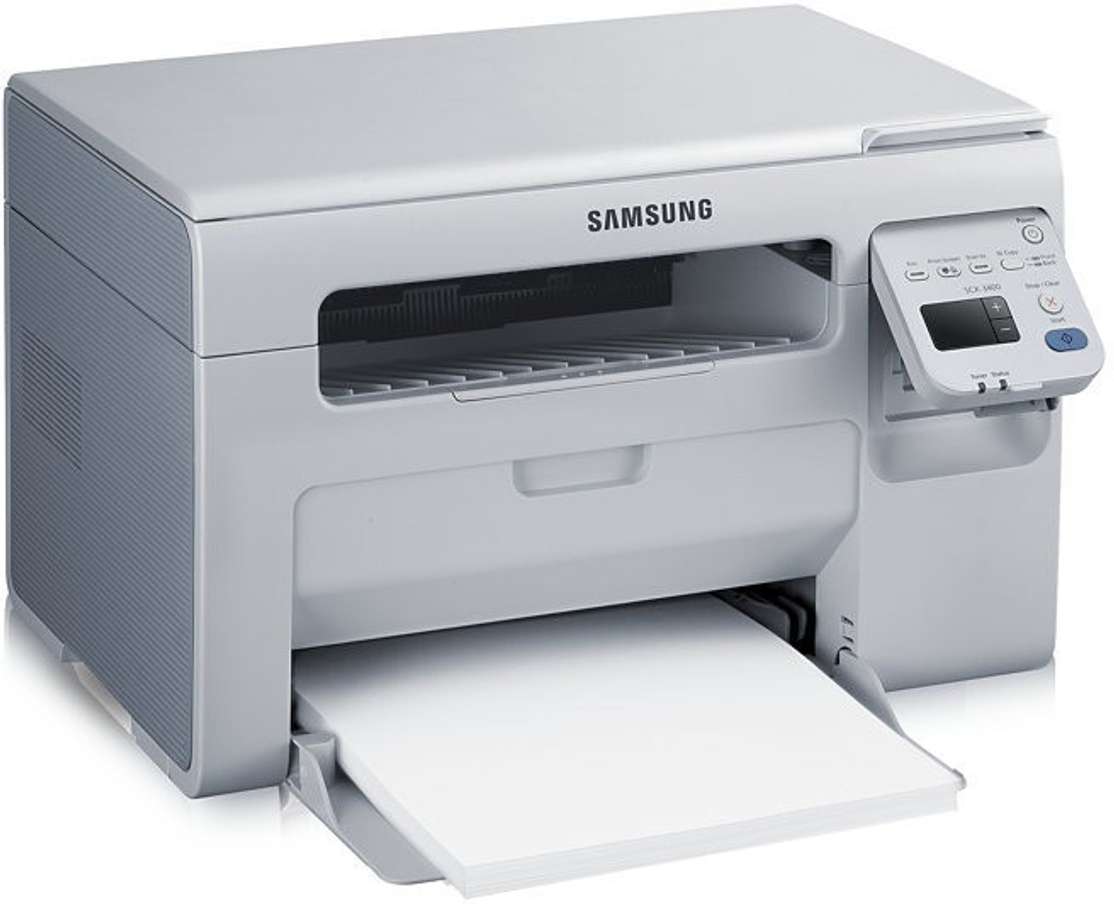
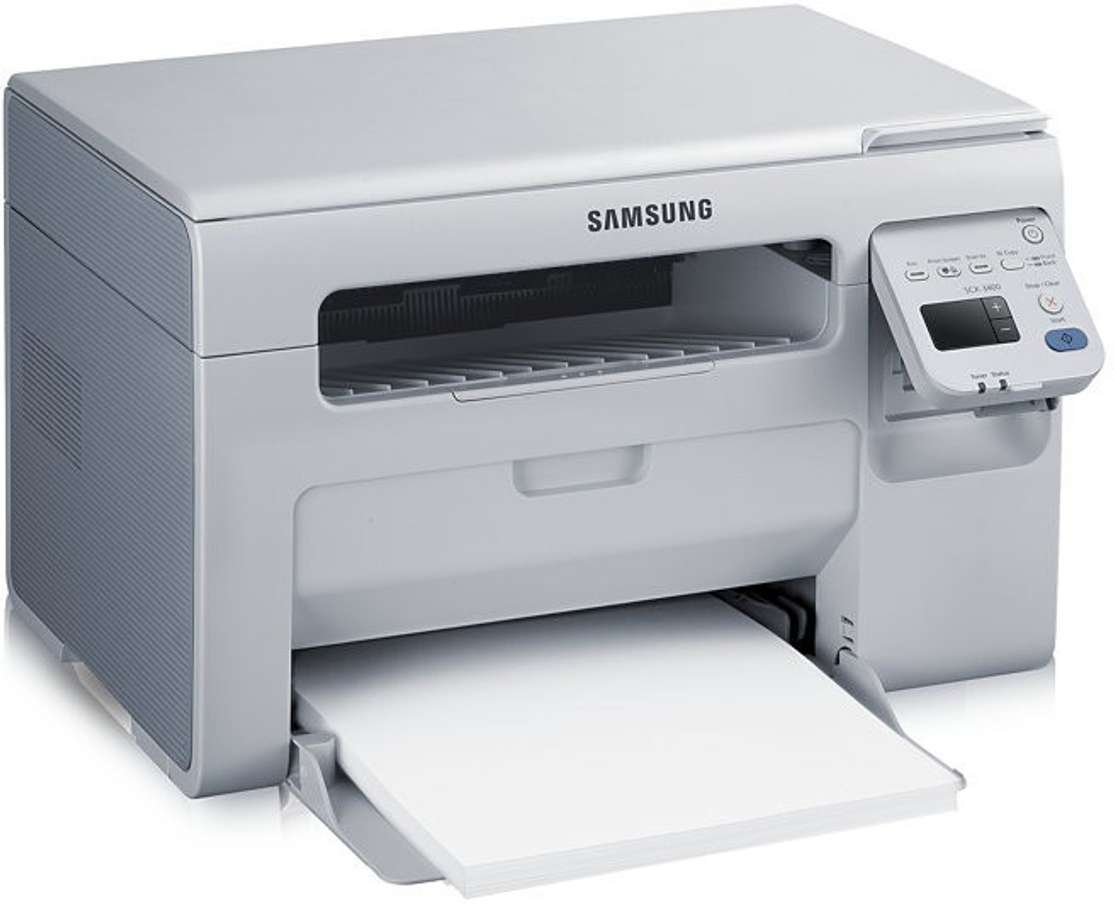
Samsung SCX 3401/XIP Multi-function Monochrome Laser Printer (Toner Cartridge)
Find a seller that delivers to you
Enter pincode
•
Laser
•
Output: Monochrome
•
USB
•
Print Speed Mono A4: 20 ppm
•
Duty cycle (monthly, A4): 10000 pages
•
Functions: Print, Copy, Scan
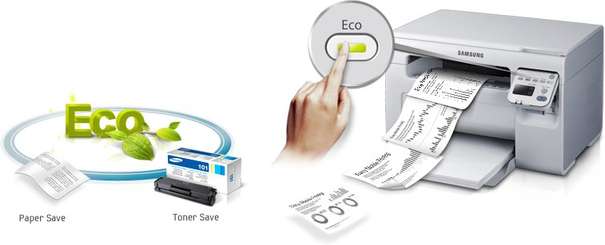
The One Touch Eco Button
To deliver prints more economically, all you have to do is press the One Touch Eco button to switch to the Eco mode. This mode lets you conserve toner, paper and energy. This useful feature prevents you from having to waste time making changes to settings or altering your documents.
Preview Before Printing
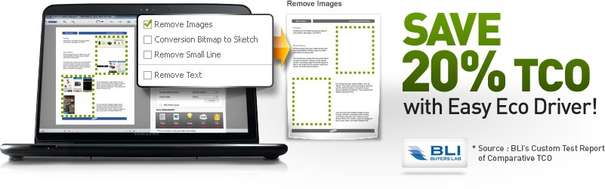
This printer is designed with Samsung's Easy Eco Driver that lets you adjust the color, quality and other settings before you print your document. You can get rid of any unnecessary images or texts. You can even monitor savings and say goodbye to all wasted printouts.
Simple And Easy To Use
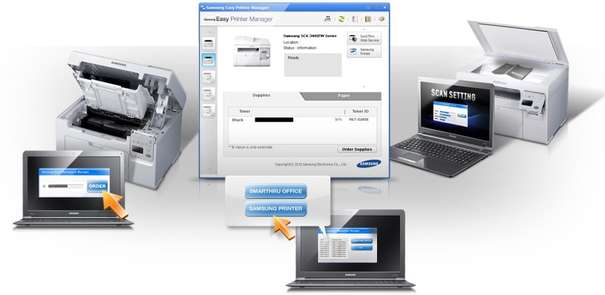
The Easy Print Management Software in the printer lets you perform various functions like ordering a new toner, application linking and device discovery in a simple and easy way. With the simple-to-use software, things like setting up your device and monitoring the status is quick and easy.
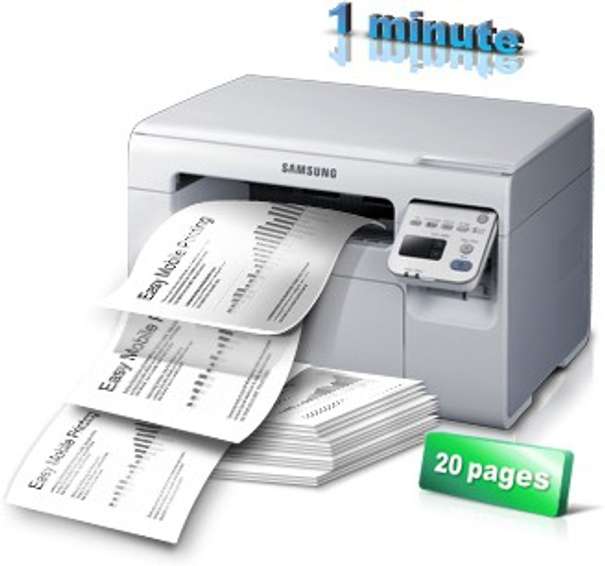
Print 20 Pages Per Minute
The high speed of the printer makes it very convenient on days when you have a lot of documents to print. By printing 20 pages per minute, you are spared from the frustration that arises from standing and printing documents for a long time.
Quick And Easy Printing
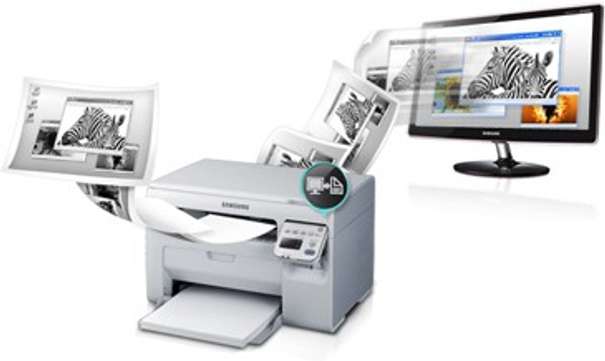
The printer is designed with the SCX 3401 Print Screen Button that is easily locatable on the printer control panel. A touch of this button is all it takes to get documents printed, even when you are not at your desk. Just hold the button for two seconds and the printer will print the last object on your monitor. You can even get your content printed on a single page with all unwanted clutter removed, with the help of this feature. So, you won't have to waste time edited and cropping.
Sharp And Impressive Prints
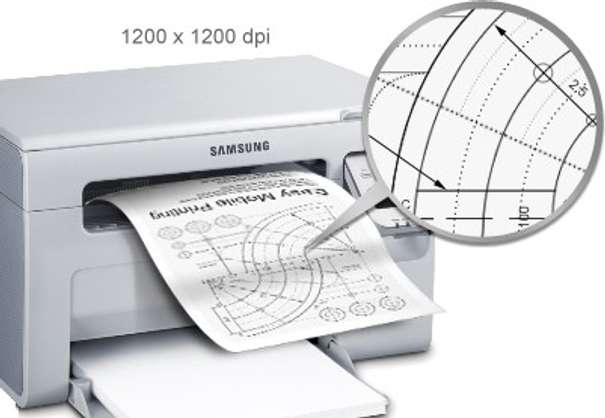
This printer provides sharp and impressive prints which makes it very convenient in the professional setup. With stunning 1200 x 1200 dpi resolution, all your presentations and reports are going to come out with great clarity.
Versatile With Innovative Features
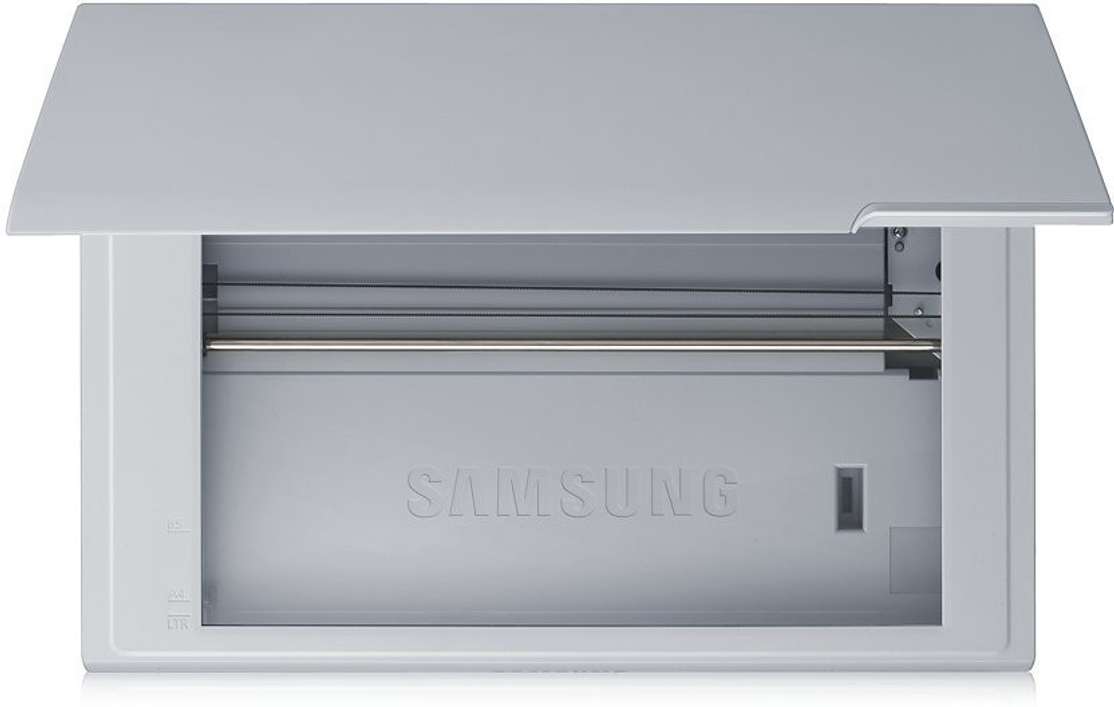
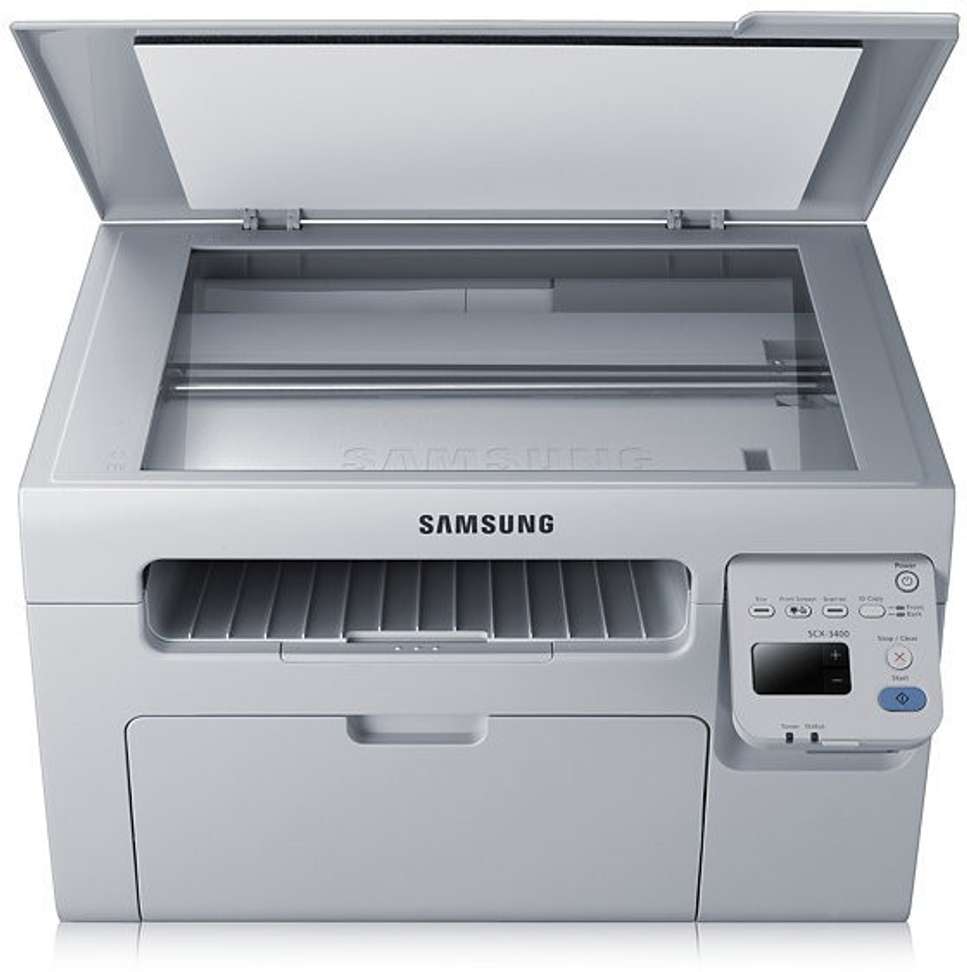
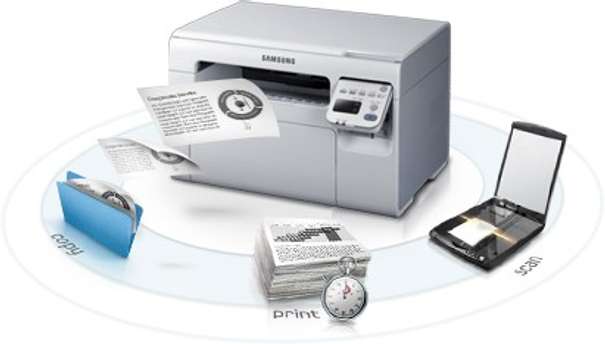
With 3 in 1 functionality, this versatile printer is just what you need in your office if printing, copying and scanning are things that you do on a regular basis. The printer also has various innovative features like PC fax functionality, ID copy, scan-to-email and N-up copy, which makes it very useful for offices and businesses.
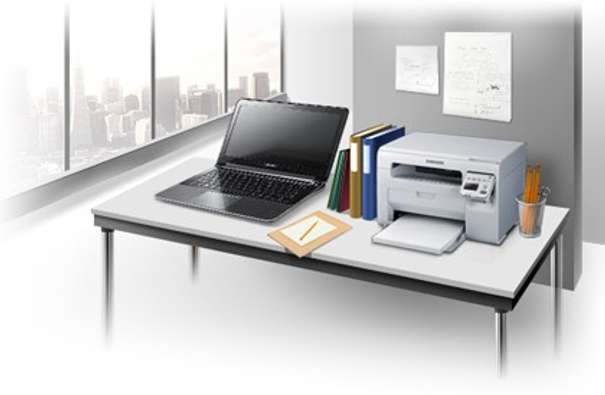
Compact And Space Efficient
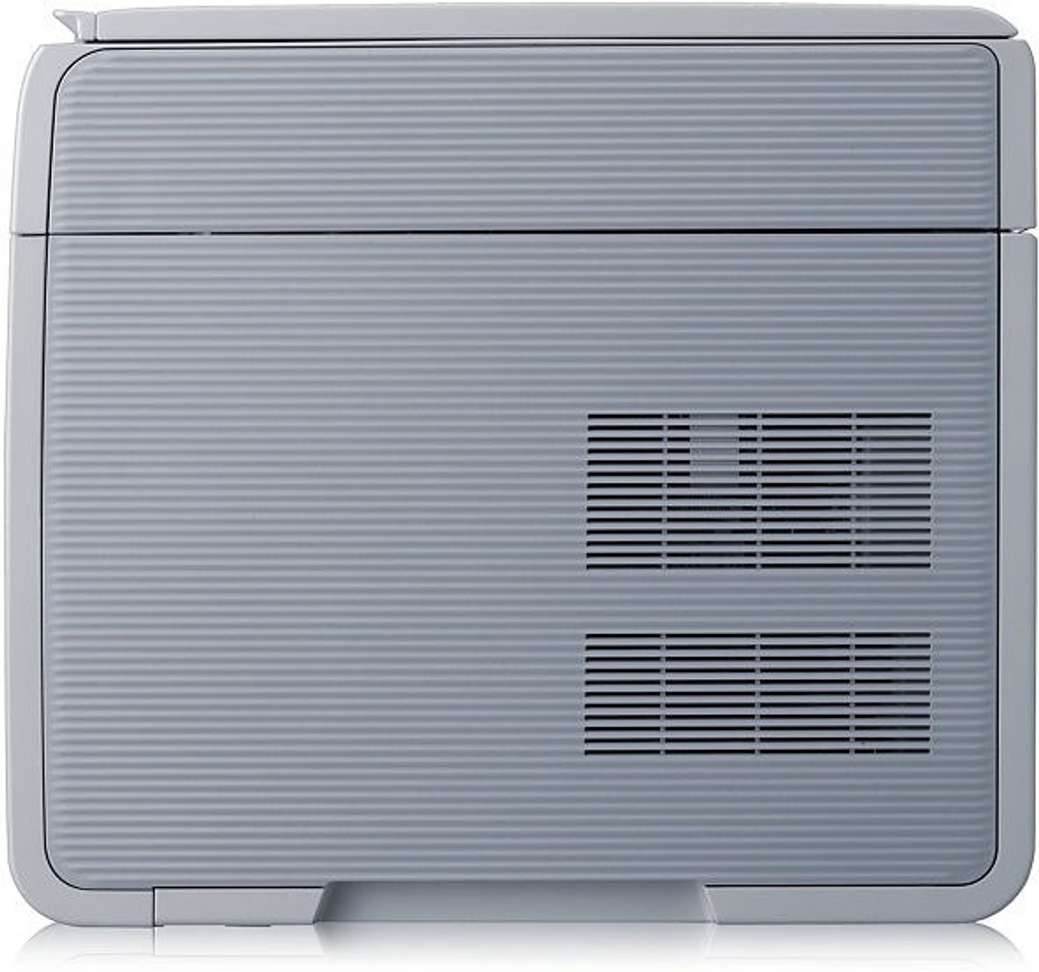
Designed in a compact way, this printer is not just space saving and easy to install but also highly portable. The contemporary design makes it go well with modern office interiors.
All Details

Specifications
Read More
1,994 ratings and 309 reviews
1
★
159
2
★
75
3
★
214
4
★
450
5
★
1,096
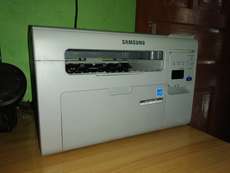
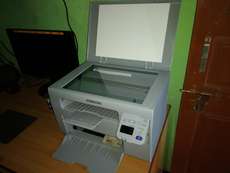
Classy product
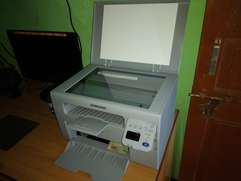
nice printer .print quality is quite good .very impressed by samsung good job.
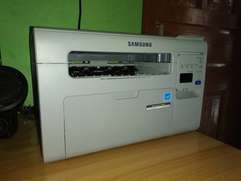
Shivam Kashyap | Certified Buyer
, Sirmaur District

24
140
Worthy and economy !!!
Very nice product and it comes with xeroxing, scanning and printing. And ECONOMY option is available so it is not more expensive in printing ......
Scanning is very enough (600 dpi) and printing ... more
M S Kumar
4
32
Good one
Handy and very easy to use. Scan and copy quality is very good one .
liked the model from the point of view of value for money.
The refill is also very much cost effective. Print speed is awesome.
Wo... more
Himanshu Gupta
9
19
All 309 reviews
Be the first to ask about this product
POST YOUR QUESTION
ABOUTContact UsCareers
Mail Us:Flipkart Internet Private Limited,Buildings Alyssa, Begonia &Clove Embassy Tech Village,Outer Ring Road, Devarabeesanahalli Village,Bengaluru, 560103,Karnataka, India
Registered Office Address:Flipkart Internet Private Limited,Buildings Alyssa, Begonia &Clove Embassy Tech Village,Outer Ring Road, Devarabeesanahalli Village,Bengaluru, 560103,Karnataka, IndiaCIN : U51109KA2012PTC066107
Telephone: 044-45614700


